Welcome to the exciting world of creating your own interactive experiences. Have you ever wanted to build a playable mini game but thought it was too hard? This guide is designed to show you it’s possible, even with no prior experience.
We focus on hands-on learning. You will learn by doing. Our approach combines creativity with technical skills in a fun way. This makes building games one of the most rewarding hobbies you can start.
We will walk you through several simple ideas. These are chosen to teach fundamental concepts quickly. You will build something fun and shareable in less than sixty minutes.
By the end, you will understand which type of game suits your interests best. You could create physics-based puzzles or fast-paced runners. The goal is to help you start your development portfolio immediately.
Get ready to transform from a curious newcomer into a confident creator. You will understand the basics of bringing your own interactive games to life.
Key Takeaways
- Create a complete, playable mini game in less than one hour.
- Learn through practical, hands-on building experiences.
- No previous coding or development knowledge is required.
- Discover how creativity and technical skills combine in game creation.
- Explore different game styles to find what you enjoy most.
- Gain foundational knowledge to start building a portfolio.
- Finish with the confidence to continue your development journey.
Getting Started with Unity and Game Development
The foundation of any successful interactive experience lies in choosing a platform that grows with your skills. This choice impacts your entire creative journey.
Why Begin with Unity?
This platform stands out for newcomers. It provides built-in features that handle complex tasks automatically. You can focus on design rather than coding basics.
The engine powers professional titles while remaining accessible. Major mobile hits rely on this technology. This demonstrates its professional-grade capabilities.
Essential Tools and Setup
Getting started requires two free downloads. Unity Hub manages your installations and projects. The Editor is your main workspace for creation.
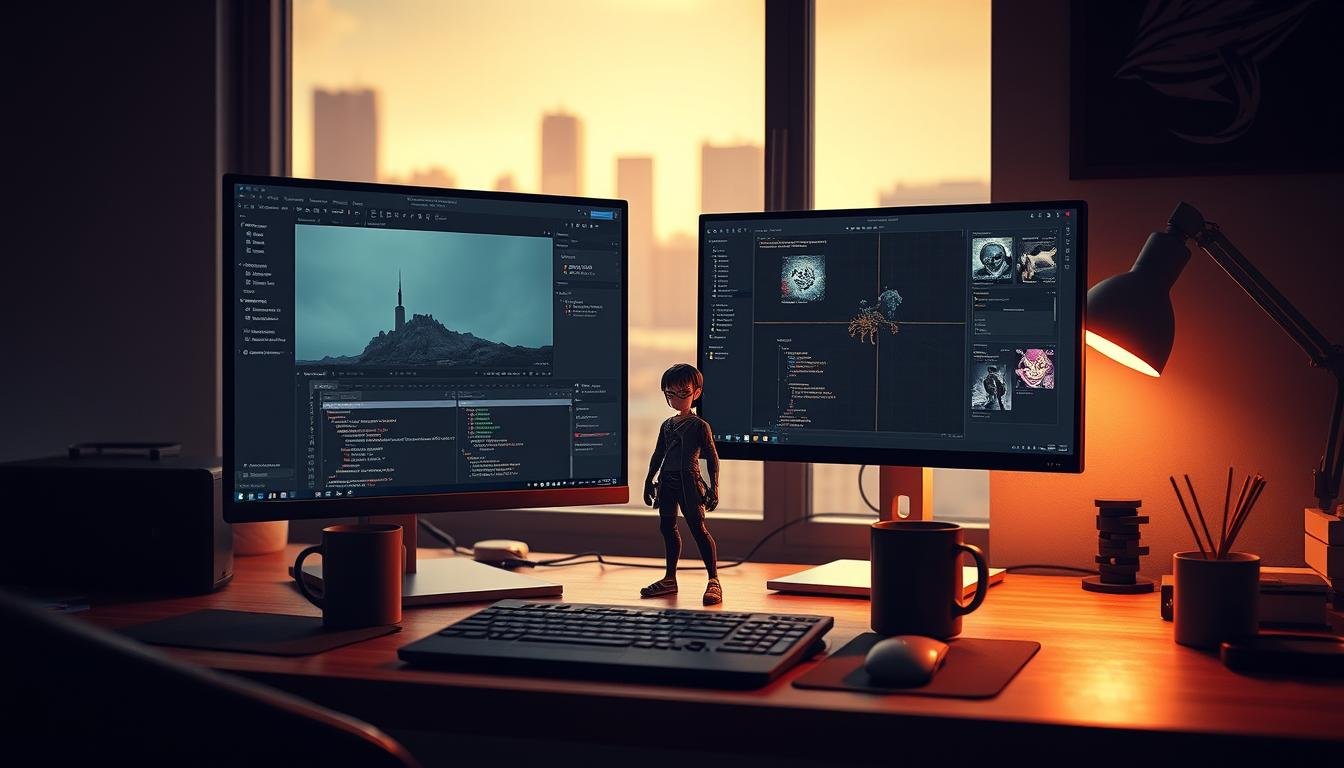
Your development experience begins with the interface. Key areas include Scene view and Project windows. These tools form your creative environment for building technical skills.
The Asset Store offers thousands of free resources. These accelerate learning and help overcome challenges. You can create impressive results without starting from zero.
Unity Beginner Project: A Step-by-Step Listicle
Discover how simplified versions of popular games can teach you fundamental development principles. This approach removes the pressure of creating entirely new concepts from scratch.
Overview of the Beginner Projects
Our listicle presents four distinct builds that progress from absolute novice to intermediate levels. Each experience focuses on different technical aspects while maintaining a consistent learning curve.
The first creation explores physics without coding requirements. The second introduces C# scripting basics for interactive elements. Later builds tackle 2D gameplay and first-person navigation systems.
Identifying Key Game Mechanics
Understanding core interactive systems forms the foundation of game development. You’ll work with collision detection, player input, scoring systems, and object interaction.
Each build has clearly defined key learning outcomes. This ensures you know exactly which skills you’re developing. The mechanics build upon each other conceptually.
By completing these experiences sequentially, you’ll create a diverse portfolio showcasing different genres. This demonstrates your growing technical capabilities to friends or potential employers.
Crafting a Virtual Rube Goldberg Machine
Imagine a complex sequence where one action sets off a spectacular chain of events. This describes the magic behind building a virtual Rube Goldberg machine. You create satisfying chain reactions using simple shapes and physics principles.
Exploring the 3D Physics Engine
The engine simulates real-world behaviors automatically. Gravity pulls objects downward. Collisions make them bounce and interact realistically.
Students get immediate feedback when testing their creations. Watching dominoes fall and balls roll provides instant satisfaction. This visual approach makes learning physics concepts intuitive.
Implementing Rigidbody and Collider Components
Rigidbody components add physics properties to your game objects. They determine how items respond to forces and movement. Colliders define the boundaries where objects can touch.
Experiment with mass and friction to control behavior. Heavy objects move differently than light ones. These adjustments help create precise goldberg machine sequences.
This experience develops strong critical thinking skills. You learn to predict how chain reactions will unfold. Each attempt teaches more about creating engaging physical interactions for your game.
Building a Physics Puzzle with Unity Scripting
Ready to add interactivity to your physics creations? This section introduces programming. You’ll combine C# with the engine’s powerful tools to create a projectile-based challenge.
Getting Started with C# in Unity
The Unity scripting API provides built-in functions that handle complex tasks. You don’t need to be an expert programmer to create compelling game mechanics.
You’ll work with the MonoBehaviour class, which manages game objects throughout their lifecycle. Key methods like Start() and Update() control behavior. This foundation is essential for any coding game.
Capture player input to calculate launch angles and force. Apply physics to projectiles that interact with destructible structures. These key learning outcomes build fundamental programming patterns.
Integrating Optional Game Mechanics
Transform your basic puzzle into a full-featured experience with optional game mechanics. Add a scoring system that tracks performance. Implement shot limitations to increase challenge.
Create level progression with increasing difficulty. These optional game elements teach variables and conditional statements. They demonstrate how to manage game objects dynamically.
The learning outcomes include understanding collision detection and event triggering. Watch structures collapse realistically when your game mechanics work together. This approach creates satisfying player experiences.
Designing an Endless Runner and Escape Room Experience
Now let’s explore two exciting game genres that will expand your development skills in both 2D and 3D. These experiences teach different approaches to creating engaging gameplay.
You’ll work with contrasting perspectives and mechanics. Each offers unique challenges for level design and player interaction.
Creating Dynamic 2D Gameplay in an Endless Runner
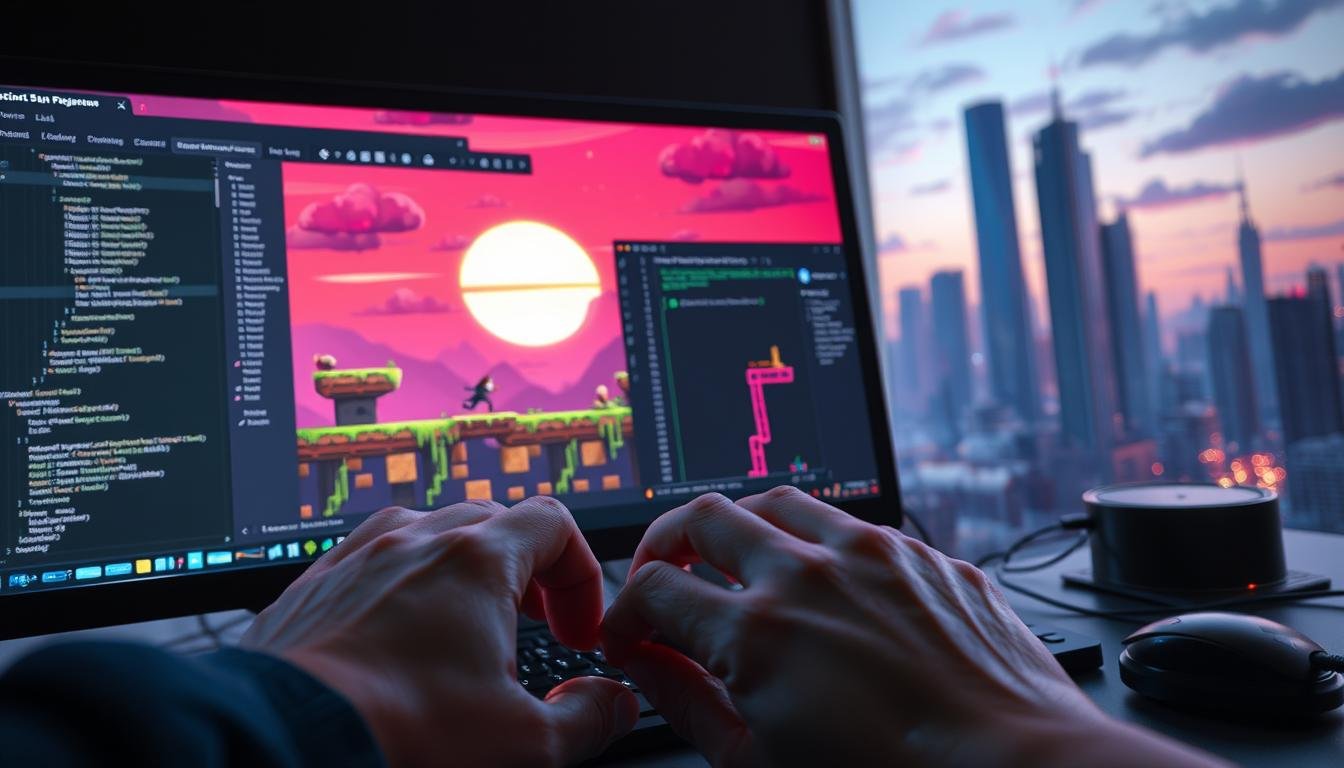
Build a fast-paced 2D experience where characters run continuously through scrolling environments. Implement sprite sheets for smooth animations and collision detection for obstacle avoidance.
Players expect responsive controls when jumping or changing lanes. You’ll develop input systems that feel immediate and satisfying.
Add power-up items that grant temporary abilities. Gradually increase difficulty to challenge players as they progress.
Exploring First-Person Navigation in an Escape Room
Create immersive 3D environments where players explore and solve puzzles. Implement first-person controls for looking around and moving through spaces.
Use event-driven programming to trigger actions when players interact with objects. Clicking a key might unlock a door or reveal hidden clues.
Students create atmospheric levels using lighting and 3D assets. This teaches how to guide players through puzzle-solving sequences.
Both projects emphasize different aspects of game creation. You’ll gain experience in multiple dimensions and player perspectives.
Your Next Steps on the Unity Journey
With foundational skills now in place, the path ahead offers endless possibilities for growth and creativity. Your initial experience serves as a solid starting point for more advanced game development challenges.
Consider structured learning programs to continue your progress. Mastery Coding’s full-year curriculum helps students create comprehensive portfolios through video-based instruction. JetBrains Academy offers four real-world projects that build progressively complex skills.
Unity Technologies’ Creator Kit provides a focused course on customizing 3D role-play games. These programs emphasize key learning outcomes like event-driven programming and advanced game design principles.
Continue practicing critical thinking by experimenting with custom features in your creations. The journey of development thrives on consistent practice and creative exploration of new mechanics and perspectives.