Welcome to your complete guide for creating time-driven systems in your interactive projects. These systems are essential for controlling many parts of a digital experience. They manage countdowns, ability cooldowns, and even when enemies appear.
This guide introduces the core ideas and advanced methods for implementing these crucial components. You will learn how to build sophisticated timing features that make your projects more dynamic and engaging.
We will explore different ways to create these systems. You can choose the best method for your project’s needs. The solutions range from simple, lightweight structures to more complex ones with advanced features.
Mastering these techniques gives you the power to design compelling challenges. You can control the pace of your project and create systems that react to the passage of time. This knowledge is vital for any developer working in the Unity environment.
Key Takeaways
- Timers are fundamental for controlling many aspects of a game, from cooldowns to spawn events.
- This guide covers both simple and advanced implementation techniques.
- Choosing the right timer solution depends on your project’s performance and complexity needs.
- You will learn to create systems with features like pausing, repeating, and event notifications.
- Effective time management leads to more engaging and dynamic gameplay experiences.
- The tutorial includes practical code examples for immediate application in your projects.
Understanding Timer Mechanics in Unity
At the heart of many engaging digital experiences lies a fundamental component: the controlled progression of time. These systems are not just simple clocks. They are the invisible architects of challenge, pacing, and strategy.
The Role of Timers in Game Development
Time-based structures serve critical functions that shape player interaction. A common example is an ability cooldown. This prevents skill spamming and encourages thoughtful play.
Other vital roles include managing enemy spawn waves and tracking level duration. Even temporary power-up effects rely on these precise intervals. They add layers of strategic depth to the gameplay.
Basic Timer Concepts and Terminology
To build these systems effectively, you must grasp core terms. Delta Time is the duration since the last frame. It ensures smooth countdowns regardless of frame rate.
Duration is the total time a countdown should run. Elapsed Time tracks how much has passed. Remaining Time shows what is left.
Understanding the difference between scaled and unscaled time is also crucial. This affects how your systems behave during pauses or slow-motion effects. This foundational knowledge prepares you to choose the best implementation method for your project.
Timer Based Mechanics Unity: Core Concepts
The seamless integration of temporal controls distinguishes polished interactive applications. These systems must work harmoniously with the engine’s core execution cycle to ensure consistent behavior across different hardware.
Integrating Timers into the Game Loop
Unity’s frame-based architecture requires careful consideration when implementing timing systems. Each frame processes elapsed time incrementally using Time.deltaTime.
This approach ensures smooth countdown progression regardless of frame rate variations. The integration maintains synchronization with other systems, preventing timing discrepancies during performance fluctuations.
Comparing Different Timer Implementations
Developers can choose from several implementation approaches based on project needs. The Minimal Timer offers maximum performance with minimal overhead through a simple readonly struct.
Update Timer methods provide comprehensive functionality but require manual Tick calls. The Awaitable Timer represents the most convenient way to implement timing through automatic integration.
Each method demonstrates how frame-based timing can be structured differently while achieving accurate duration tracking. The choice depends on whether your project prioritizes performance, control, or convenience.
Creating a Countdown Timer in Unity
Let’s move from theory to practice by building a fundamental component: a functional countdown. This process involves tracking a time value and updating it correctly each frame.
You will learn the essential steps to create a system that counts down reliably. We will also cover how to format the display for a professional look.
Implementing a Simple Countdown with Time.deltaTime
The foundation of any countdown is a variable that holds the remaining time. You declare a public float, like timeRemaining, and set its starting value.
Inside the Update method, you subtract Time.deltaTime from this variable. This property gives the duration of the last frame in seconds.
Using deltaTime ensures your countdown progresses smoothly. It works the same on fast and slow computers. You must check if timeRemaining is greater than zero before subtracting.
When the countdown finishes, set the value to exactly zero. This prevents negative numbers that can cause display errors.
Formatting and Displaying Time Accurately
Raw time in seconds is not user-friendly. You need to convert it into minutes and seconds. This requires two separate calculations.
First, calculate minutes by dividing the total time by 60. Use Mathf.FloorToInt to round down. This gives you the whole number of minutes.
Next, find the remaining seconds using the modulo operator (%). This operator returns the remainder after division. For example, 125 seconds gives 2 minutes and 5 seconds.
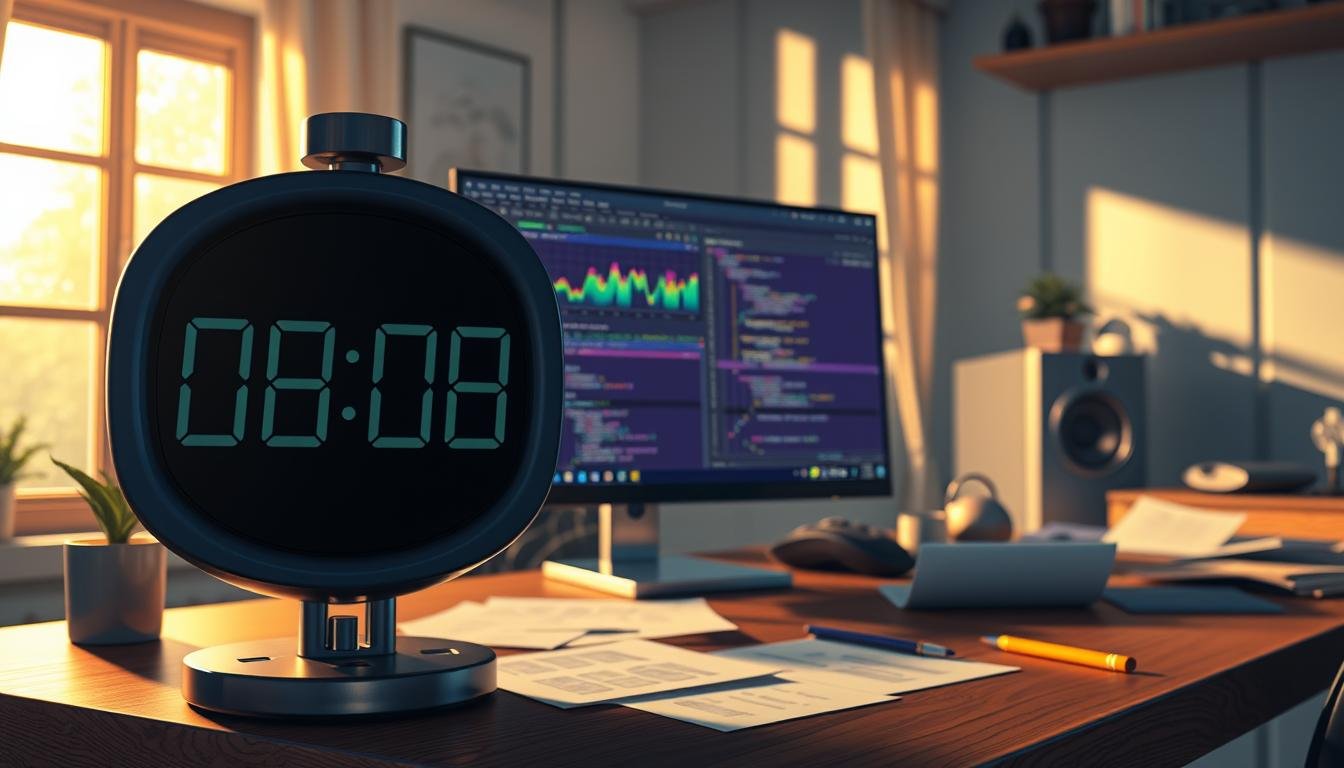
Finally, use string.Format to create a clean display. The pattern “{0:00}:{1:00}” ensures two-digit numbers with leading zeros. This creates a familiar clock look for your countdown timer.
Implementing Timer Functionality Through Code
Translating theoretical concepts into practical implementation is the next crucial step in mastering time-based systems. This section provides complete working examples for two distinct architectural approaches.
You will see how different code structures serve varying performance and functionality requirements. Each solution offers unique advantages for specific project needs.
Developing Minimal Timer Structures
The Minimal Timer represents the most efficient implementation approach. This solution uses a readonly struct containing just four lines of code.
Creating this structure involves calling the static Start method with your desired duration. The system stores an absolute trigger time by adding the duration to Time.time.
Precision is ensured by calculating elapsed time through subtraction rather than deltaTime accumulation. This prevents floating-point arithmetic errors that cause timing drift over many frames.
The IsCompleted boolean property provides simple completion checking. A special check for uninitialized instances prevents incorrect completion signals.
Coding a Robust Update Timer for Repeating Events
For more complex requirements, the Update Timer offers comprehensive functionality. This class-based structure includes properties for duration, repeats, and active status.
Core functionality is managed through a public Tick method called every frame. The system automatically handles expiration checks and repeat behavior.
Additional methods provide pause/unpause capability, reset options, and dynamic duration extension. The CompletedEvent delegate enables event-driven game logic when the cycle finishes.
Implementing pause functionality requires careful time calculation excluding paused intervals. This ensures accurate tracking throughout the structure’s lifecycle.
Advanced Timer Techniques in Unity
For developers seeking maximum convenience, Awaitable timers represent the next evolution in time management. These systems combine comprehensive functionality with automatic integration into Unity’s execution cycle.
This approach eliminates manual Update method calls while maintaining precise frame-based checking. You can create sophisticated timing behavior with minimal coding overhead.
Leveraging Awaitable Timers for Efficiency
Awaitable timers operate in true fire-and-forget fashion without MonoBehaviour dependency. The private Tick method uses await Awaitable.NextFrameAsync to pause execution between frames.
This automatic frame synchronization ensures accurate duration tracking. The system continuously checks for expiration without blocking the main thread.
These components generate minimal garbage through Unity’s async system. The performance impact remains negligible for most projects.
Cancellation token support enables proper cleanup when stopping operations. This prevents abandoned async processes from continuing unnecessarily.
Event-Based Notifications and Coroutines
Event-driven architectures enhance timer functionality through automatic notifications. Multiple methods can subscribe to the CompletedEvent delegate.
This eliminates continuous polling for completion status. Game logic executes automatically when the duration expires.
Coroutines provide an alternative delay method using IEnumerator functions. However, they generate more garbage than struct-based solutions.
Real-world examples include triggering particle effects when powerups expire. You can also manage enemy spawn waves at precise intervals.
The choice between methods depends on your specific performance and convenience needs. Each approach serves distinct project requirements effectively.
Integrating Power-ups with Timers for Gameplay Dynamics
Power-up systems create exciting moments where temporary abilities change the flow of interaction. These temporary enhancements demonstrate how controlled durations can transform strategic decisions in your project.
When a character collects a special item, they gain a short-term advantage. This creates tension and encourages smart positioning. The limited time window forces players to act decisively.
Creating Timed Powerup Effects and Collisions
Detection begins when the character touches the power-up object. Use OnTriggerEnter() to identify this contact. The system immediately removes the collected item from the scene.
A boolean flag tracks the active state of the enhancement. This ensures the special ability only works during the correct time period. The countdown starts automatically upon collection.
Enemy interactions change dramatically during the active period. Contact triggers a physics-based reaction that pushes opponents away. This creates space and provides tactical advantages.
Using Visual Indicators to Enhance User Experience
Clear feedback is essential for temporary abilities. A visual effect appears around the character when the power-up activates. This provides immediate confirmation without checking interface elements.
The indicator follows the character’s movement throughout the duration. It disappears automatically when the time expires. This creates a seamless visual representation of the temporary state.
This approach teaches players to recognize opportunities. They learn to time their movements around power-up availability. The system creates natural rhythm in the gameplay experience.
Enhancing Game Experience with Custom Timer Options
Customization transforms standard countdown systems into powerful tools for unique gameplay. These advanced configurations allow developers to create specialized experiences that respond to player actions and game states.
The Update Timer provides flexible functionality through several key features. Dynamic duration modification lets you extend or reduce remaining time during runtime. This creates reactive systems that adapt to player performance.
Modifying Timers for Unique Gameplay Mechanics
Temporary pause functionality enhances the user experience during specific moments. The system can freeze progression during menus or cinematic sequences without stopping completely. This maintains timing accuracy while accommodating different game states.
Repeat configuration offers multiple operational modes. You can set one-shot countdowns, fixed-repeat triggers, or infinite loops. Each option serves distinct purposes like enemy spawning or resource regeneration.
Event subscriptions persist across reset operations for convenient management. Subscribed methods remain attached after stopping and restarting. This reduces the need for repeated code connections.
Visual display decisions significantly impact player perception. Action games might show milliseconds for precision tension. Strategy titles often prefer hidden systems for unpredictable events. The way you present time information shapes the entire experience.
Advanced options include scaling duration with difficulty levels. Systems can adjust behavior based on player metrics or environmental changes. Combining different timer types creates sophisticated mechanics throughout your project.
Troubleshooting Common Timer Issues
Even well-designed timing systems can encounter unexpected problems during development. Identifying these issues early saves significant debugging time and ensures reliable performance across different scenarios.
Debugging Timer Functionality and Behavior
Negative values often appear when countdowns continue past zero. This happens when systems keep subtracting Time.deltaTime after completion. The solution involves explicitly setting the remaining time to zero when finished.
Repeated execution occurs when completion actions trigger every frame instead of once. Use boolean flags like timerIsRunning to wrap your timer code. This ensures actions only fire a single time.
Floating-point errors accumulate from repeated arithmetic operations over many frames. Store absolute trigger times instead of accumulating deltaTime. Compare current Time.time against the stored value for better precision.
Struct initialization problems arise because default values can cause incorrect behavior. Always check for uninitialized states before evaluating completion status. This prevents false positive results.
Debug.Log statements help verify system behavior during development. Output current values and states to monitor performance. Test across different frame rates to ensure consistent functionality.
Pause functionality requires careful time calculation excluding paused intervals. Track paused duration separately from active counting time. This maintains accuracy when resuming operations.
These debugging approaches help identify root causes of timing inconsistencies. Systematic testing ensures your project delivers reliable temporal behavior under all conditions.
Conclusion
Effective time management systems serve as the backbone for creating dynamic and strategic gameplay mechanics. This guide has explored the complete spectrum of implementation approaches available to developers.
You now understand how to choose between performance-focused minimal structures, control-oriented update systems, and convenient awaitable solutions. Each method offers distinct advantages for different project requirements.
The fundamental technique of subtracting Time.deltaTime each frame ensures smooth countdown progression. Proper formatting converts raw float values into readable minutes and seconds displays.
Mastering these temporal controls empowers you to build sophisticated interactive experiences. Whether creating visible countdown displays or background event triggers, these skills are essential for professional development.