In the world of digital entertainment, clear communication is vital. A well-crafted interface guides the player seamlessly through a virtual environment. These visual cues are the unsung heroes of a smooth experience.
These elements have evolved significantly. They started as simple text boxes. Now, they are sophisticated systems that react to context. Good design ensures they are helpful without being distracting.
The goal is to create a bridge between the person and the virtual world. This requires careful thought about visibility and timing. The best systems feel like a natural part of the adventure. They provide essential information exactly when it is needed.
This guide explores the principles behind creating these crucial components. We will look at how to balance clarity with artistic style. The focus is on building systems that feel intuitive and enhance the overall journey.
Key Takeaways
- Interaction prompts are essential communication tools within a game.
- Effective design balances visibility with immersion.
- Modern systems are context-sensitive and adapt to player actions.
- Readability and intuitive iconography are critical design factors.
- A well-designed prompt system reduces confusion and increases engagement.
- Consistency with the overall user interface is crucial for a seamless experience.
Introduction to Effective Game UI Design
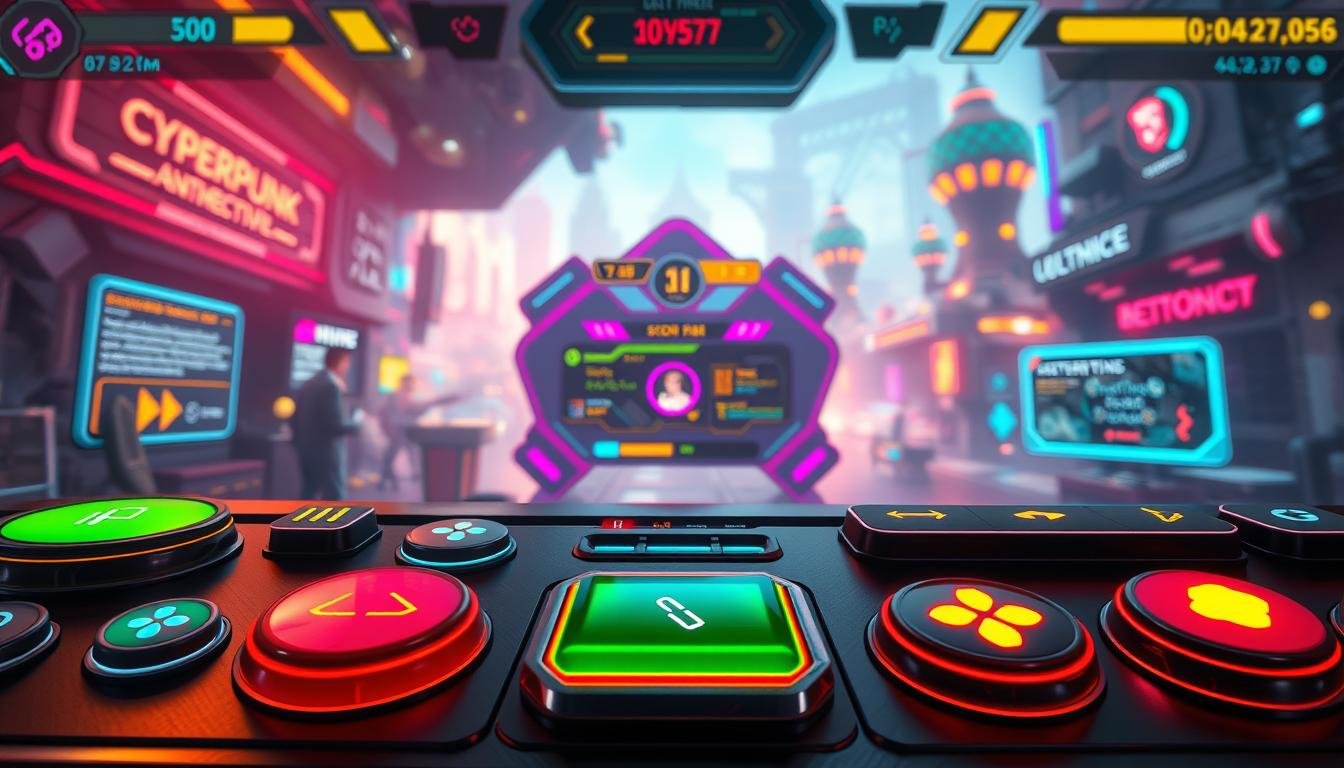
The visual framework of a game acts as its silent guide, steering the user through every challenge and discovery. It is the essential bridge connecting the person to the digital world you’ve built. This system includes every menu, icon, and status bar visible on the screen.
This visual language delivers critical information clearly and quickly. It makes complex actions feel intuitive. A strong design empowers the player instead of causing frustration.
Good interface work is a foundational pillar of player engagement and retention. The global gaming industry is projected to reach $556 billion by 2030. This growth highlights the need for polished, professional design as a key competitive advantage.
Investing in a quality interface directly impacts the user experience. Studies show intuitive systems can boost engagement duration significantly. A cohesive game design blends seamlessly with the overall aesthetic, creating a purposeful and immersive experience.
Understanding “interaction prompts ui games”
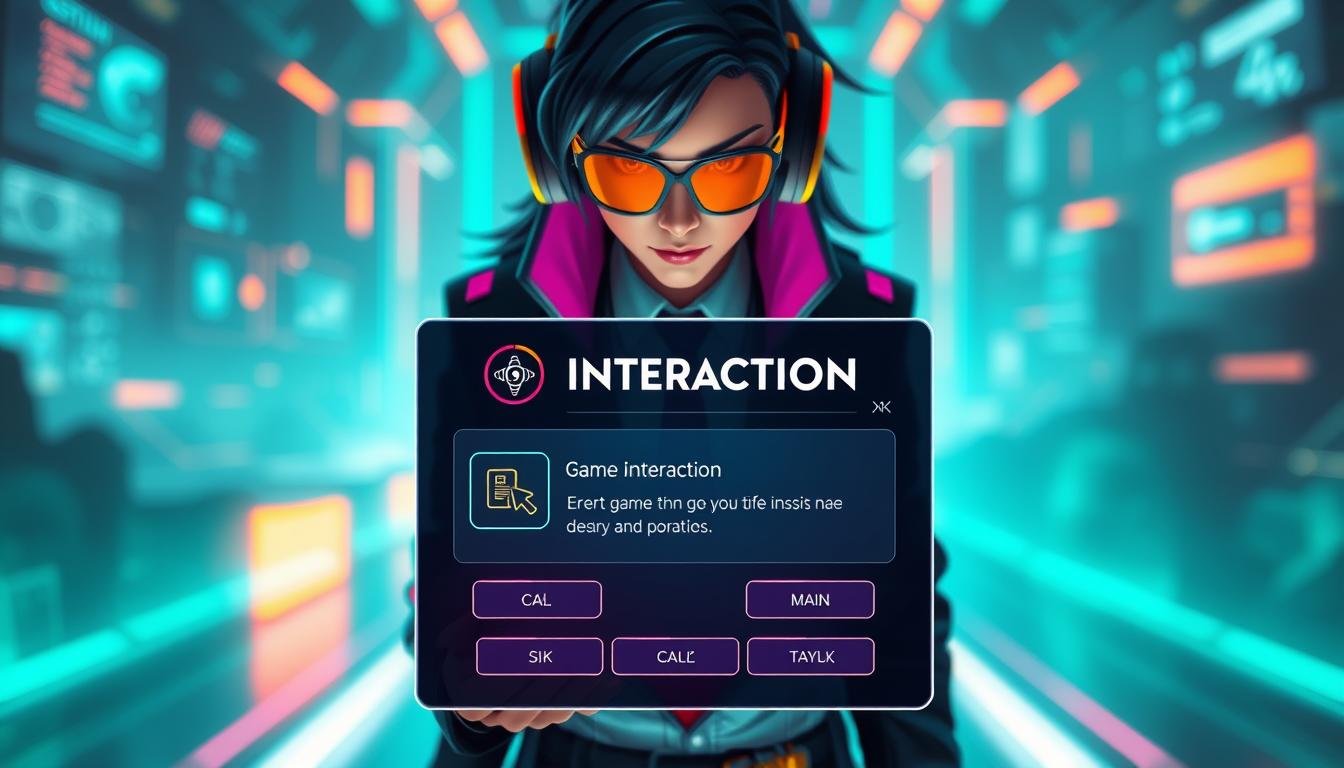
Specialized visual indicators emerge dynamically to guide participants through interactive possibilities within simulated spaces. These contextual elements appear when users approach objects, characters, or environmental features that allow engagement.
These visual cues serve multiple critical functions. They communicate what actions are possible and which input method activates them. Participants receive clear information about expected outcomes from their engagement.
Effective design considers cognitive load principles. It presents relevant information at the precise moment users need it. This approach reduces decision paralysis and maintains smooth gameplay flow.
Modern platforms require these systems to adapt across diverse input methods. They maintain consistent clarity from keyboards to touchscreens. The evolution reflects broader trends toward contextual awareness in digital entertainment.
Professional implementation requires coordination between designers, artists, and programmers. This ensures inclusive, responsive, and visually cohesive results. Understanding these systems as a distinct category allows for specialized design patterns.
Defining the Role of Interaction Prompts in Gameplay
At the heart of every engaging virtual experience lies a system of clear visual communication. These guides are fundamental to how a person navigates and understands a digital adventure. They act as an invisible hand, empowering the user without creating complex barriers.
How Interaction Prompts Enhance Immersion
A well-integrated system feels like a natural part of the game world. It avoids breaking the sense of immersion by blending with the environment’s artistic style. The key is contextual relevance.
These elements should appear only when the player demonstrates clear intent. This could be approaching an object or looking directly at it. This timing maintains the flow and believability of the experience.
Key Elements and Visual Cues
Effective design combines several visual components. Recognizable icons communicate action types instantly. Concise text labels provide clarity on the outcome.
Color plays a dual role, reinforcing style and signaling priority or urgency. Immediate feedback, like a subtle animation, confirms the user’s input was received. This creates a seamless loop of communication.
Consistency in these elements is crucial for intuitive use. The spatial positioning of cues also helps the player understand what they are engaging with, especially in crowded scenes.
Strategizing Your Game UI Design Approach
Building effective communication tools requires a methodical design strategy from the outset. This systematic approach ensures every visual element serves a clear purpose for the end user.
Research and Player Analysis
Design teams must begin with comprehensive user research. They analyze target audience demographics and play patterns. Understanding what information players need most is crucial.
This analysis goes beyond basic statistics. It explores motivations like achievement drives or exploration preferences. Different players have unique needs throughout their experience.
Mapping Out User Journeys
With research complete, teams create low-fidelity wireframes. These basic layouts map where essential elements will appear. They test spatial relationships before final asset production.
Effective journey mapping identifies potential friction points. It distinguishes between new player guidance and veteran user efficiency. This strategic game design approach creates intuitive systems.
The findings directly influence visual complexity and timing decisions. Collaborative design ensures consistency across the entire user experience. This methodical planning forms the foundation for successful interface systems.
Essential Elements of a Successful Game Interface
The foundation of any great digital experience rests on four essential pillars of interface design. These components work together to create a system that feels intuitive and responsive. Mastering them is key to building trust and competence in your audience.
Information Hierarchy and Clarity
A strong design establishes a clear visual priority system. Critical information, like health status, must stand out immediately. Secondary details should remain accessible but less prominent.
Clarity is achieved through universally recognized symbols. A heart icon for health and a bullet for ammo are perfect examples. These elements minimize cognitive load, allowing players to focus on the action.
Consistency in Design and Feedback
Consistency builds a reliable mental model for the user. If a red button means “cancel” in one menu, it must mean the same everywhere. This predictability is crucial for a seamless game interface.
Visual consistency extends to layout, color, and typography. Every action must also generate a clear feedback response. This can be a sound, an animation, or a controller vibration.
This immediate feedback confirms that an input was received. It closes the loop between the person and the virtual world. These core elements form a cohesive and satisfying whole.
Step-by-Step Process for UI Prototyping
Transforming a strategic plan into a functional system requires a disciplined, step-by-step approach. This methodology ensures the final product is both intuitive and robust. Each phase builds upon the last, validating decisions before committing significant resources.
Wireframing and Low-Fidelity Sketches
The initial step involves creating low-fidelity wireframes. Think of these as the architectural blueprints for the entire system. Designers use basic shapes to map the placement of critical elements.
This work focuses purely on function and spatial relationships. The goal is to establish a logical flow for players. It answers fundamental questions about hierarchy before any visual design begins.
Iterative Testing and Refinement
Next, wireframes evolve into interactive prototypes using tools like Figma. These high-fidelity mockups simulate the final look and feel. They include animations and transitions for realistic testing.
Real players then interact with these prototypes. Observers document confusion points and navigation difficulties. Each testing cycle generates insights that inform revisions.
This iterative step is crucial for refinement. It brings the system closer to optimal usability with each cycle. The final design is handed off for implementation in engines like Unity, ensuring a smooth experience.
Integrating AI Tools for UI Asset Generation
The creative process for interface elements has undergone a dramatic transformation through AI technology. These intelligent platforms can produce comprehensive libraries of visual components from simple text descriptions. This advancement significantly accelerates workflows that once demanded extensive manual effort.
Leveraging AI for Rapid Prototyping
AI-powered tools excel at generating placeholder assets that maintain visual coherence during early development phases. Instead of using generic shapes, designers can populate mockups with style-appropriate icons and elements. This creates more realistic testing environments that better simulate the final game experience.
Consider a scenario where a team needs inventory icons for a fantasy adventure. The design process becomes remarkably efficient with AI assistance. A descriptive prompt yields multiple variations instantly, allowing for rapid iteration and refinement.
Maintaining Brand and Style Consistency
The true challenge lies in ensuring AI-generated assets align with established artistic direction. Careful prompt engineering is essential for maintaining visual consistency across all interface components. Designers must specify precise parameters including color palettes, lighting conditions, and thematic elements.
Modern ai platforms can analyze existing assets to understand a project’s visual language. This reference system helps generate new designs that integrate seamlessly with hand-crafted work. The technology serves as a creative multiplier rather than a replacement for human artistry.
Professional implementation treats ai as an augmentation tool that expands creative possibilities. Human designers provide direction, curate outputs, and ensure all assets meet functional requirements. This collaborative approach democratizes access to professional-grade gaming visuals for teams of all sizes.
Visual Design Principles for Interaction Prompts
The visual language of on-screen guides relies on fundamental artistic principles. These elements must communicate instantly while blending with the overall aesthetic. Good design creates a seamless bridge between function and beauty.
Effective icons use universal symbols that anyone can understand. They reduce the need for written explanations. This approach helps players recognize actions quickly without reading.
Color choices carry psychological meaning in interface design. Warm tones like red signal urgency or danger. Cool blues and greens suggest safety or information.
Contrast ensures readability during intense moments. Text must remain clear against busy backgrounds. Proper sizing and spacing make words easy to read at a glance.
Visual hierarchy guides attention through scale and placement. Important actions stand out prominently. Secondary information receives less emphasis but remains accessible.
Subtle animations enhance these visual prompts without distracting. Gentle pulsing indicates available actions. Smooth transitions confirm user inputs effectively.
Style consistency makes these elements feel native to their world. Thematic touches and appropriate motifs reinforce the narrative. Every visual choice should support both clarity and immersion.
Enhancing Player Experience with Effective UI Feedback
Every command issued in a virtual space demands an immediate and clear acknowledgment. This response, known as feedback, is the system’s way of confirming a player input. It bridges the gap between intent and outcome, making the experience feel direct and responsive.
Responsive Animations and Transitions
Smooth animations are vital for high-quality feedback. Buttons should depress visually when clicked. Progress bars need to fill smoothly, not jump.
These micro-interactions should last between 100 and 300 milliseconds. This timing is fast enough to feel instant. It is also slow enough for the human eye to perceive the change clearly.
Transition effects between screens serve a dual purpose. They provide spatial orientation for the user. They also add a layer of polish that elevates the entire game.
User Interaction and Immediate Feedback
Each action a person takes must have a corresponding reaction. This can be a sound, a screen effect, or a controller vibration. This multi-sensory confirmation validates the person’s control.
Feedback must also scale with the importance of the action. A minor menu hover warrants a subtle highlight. A major achievement deserves a more elaborate celebratory sequence.
A consistent feedback system trains expectations over time. It builds fluency and deepens the overall player experience. This prevents the disconnection that occurs when inputs seem to have no effect.
Designing Intuitive Buttons, Menus, and Icons
The fundamental building blocks of any interface system are the buttons, menus, and icons that users interact with directly. These elements create the navigation framework that guides players through every game experience.
Effective button design prioritizes immediate recognition through clear labeling and appropriate sizing. Visual cues like shadows or borders signal interactivity, helping players understand what actions are available.
Menu systems serve as the organizational backbone of digital interfaces. The main menu acts as the primary entry point for starting gameplay and adjusting settings. Pause menus provide critical control during breaks, allowing progress saving and quick returns to action.
Inventory menus present unique challenges requiring clear categorization and intuitive sorting options. These systems help players manage collected items efficiently within complex game worlds.
Icon design demands universal clarity where symbolic representations communicate function instantly. While icons should be understandable alone, pairing them with concise text accommodates diverse comprehension preferences.
Consistency across all buttons, menus, and icons establishes reliable patterns that players learn quickly. This consistency creates a seamless experience where similar visual treatments indicate similar functions throughout the game.
Balancing Aesthetics and Functionality in UI Design
Great digital interfaces exist at the intersection of visual appeal and practical utility. Many creators focus solely on making systems look impressive in screenshots. The most effective design prioritizes how the system feels during actual use.
Every click, transition, and feedback response must feel responsive. This tactile satisfaction transforms functional necessity into pleasurable experience.
Creative Design vs. Usability
Purely aesthetic approaches can create beautiful but frustrating interface elements. When visual beauty obscures clarity, players struggle during actual gameplay. Decorative components should never interfere with interactive functionality.
Conversely, overly utilitarian designs work efficiently but lack emotional engagement. They fail to reinforce the game world’s thematic identity. The best way forward integrates both aspects harmoniously.
Professional designers recognize that beautiful visual treatments should enhance usability. Stylistic choices must communicate function clearly. This thoughtful application of principles creates unified systems.
Context determines the appropriate balance point for each project. Competitive multiplayer games demand function-first interfaces where milliseconds matter. Narrative-driven adventures can accommodate more elaborate aesthetic treatments.
The most successful interface work achieves synthesis where form and function operate in harmony. Players ultimately judge interfaces by how they feel during extended sessions. Experiential quality becomes the ultimate measure of design success.
Ensuring Accessibility and Inclusivity in Game UI
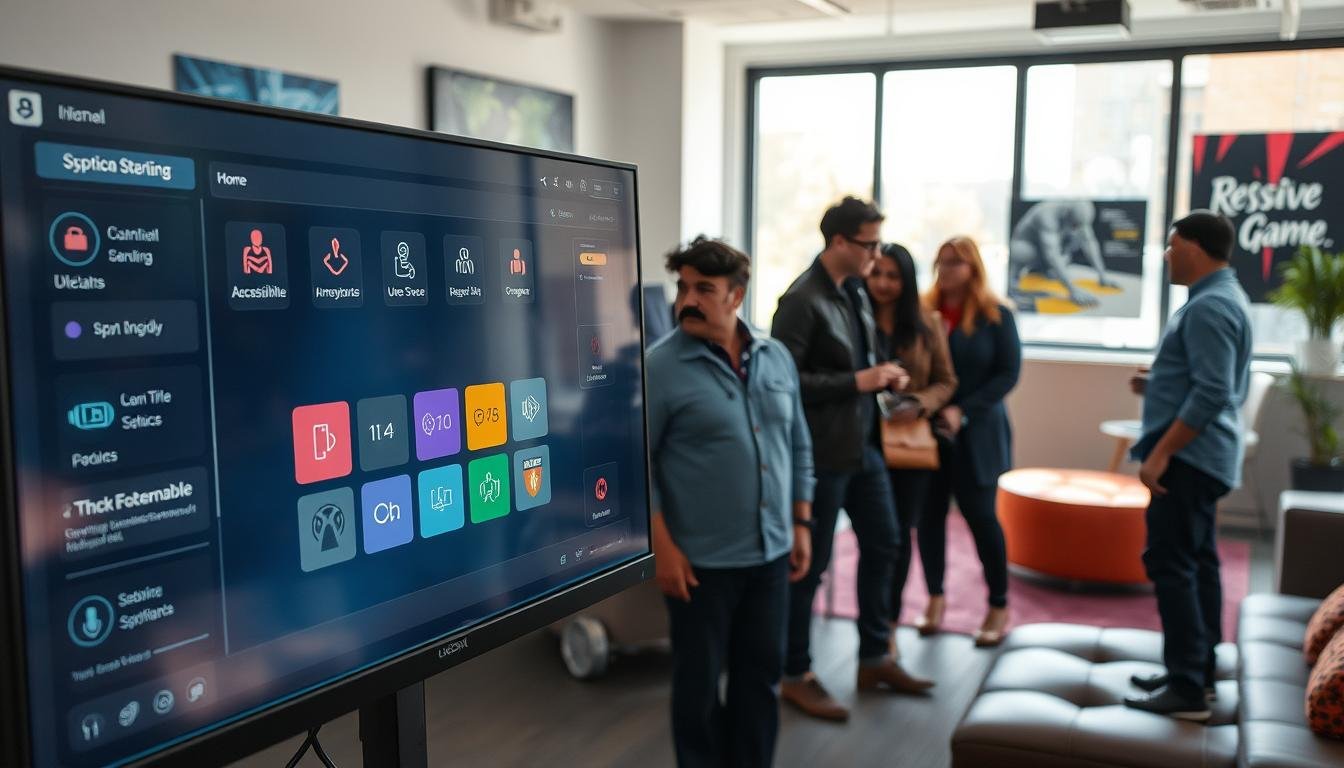
Creating a truly welcoming digital environment requires thoughtful design that considers every potential player. This approach expands your audience and reflects a commitment to ethical development. Inclusive features ensure that no one is excluded from the experience.
Colorblind-Friendly Palettes
Relying solely on color to convey information can create barriers. Many players have color vision deficiencies like protanopia or deuteranopia.
Effective design pairs color cues with distinct shapes, patterns, or text labels. This ensures critical alerts are understood by everyone. Testing palettes with simulation tools is a vital step.
Scalable Elements for Diverse Players
Offering scalable elements empowers players to customize their view. Options to increase font size and adjust the HUD scale are essential.
These options accommodate different visual acuity, screen sizes, and viewing distances. Customizable control schemes are another key feature for motor accessibility. Clear audio cues also provide vital feedback for all players.
According to a 2025 industry report, 71% of developers see progress in these initiatives. Building accessible game elements creates a better experience for the entire community.
Best Practices for Integrating UI Across Game Genres
Creating effective visual systems requires understanding that different types of digital adventures have unique needs. A one-size-fits-all approach fails because each category presents distinct challenges for the person controlling the action.
The information that must be displayed, how often it is accessed, and the pace of play all vary greatly. Designers must tailor their work to fit these specific contexts.
Tailoring UI for RPGs, FPS, and Strategy Games
Role-playing games often feature incredibly complex systems. Players need to manage detailed character statistics and vast inventory systems full of items.
The challenge is organizing this wealth of data into intuitive menus. Good design provides robust filtering and customization so players can focus on their adventure.
First-person shooter games demand a completely different philosophy. The HUD must be minimal and stay out of the way. Essential data like health and ammo is shown clearly but without blocking the view.
Speed is critical. Every element must respond instantly to keep the action flowing smoothly for the player.
Strategy games act as massive information command centers. The interface must display resources, unit stats, and large maps all at once.
Effective interfaces use clear visual hierarchies and contextual pop-ups. This prevents players from feeling overwhelmed by the sheer volume of data they need to manage.
Optimizing Interaction Prompts for User Engagement
The true measure of a successful visual cue system lies in direct observation of its use. Moving past assumptions requires a methodical approach to evaluation. This process focuses on how people actually behave within the digital adventure.
Techniques for Effective User Testing
Usability testing is the industry standard for gathering reliable data. It involves watching individuals attempt specific tasks without guidance. Observers note where confusion arises and which elements are overlooked.
This method reveals critical insights. You see hesitation points and information gaps. It shows what people navigate effortlessly through intuitive understanding.
A/B testing provides a powerful way to resolve design debates. Presenting different variations to separate groups yields objective metrics. Teams can compare completion times, error rates, and satisfaction.
Testing should include a diverse range of participants. This ensures the system serves the entire intended audience. Different skill levels and backgrounds provide a complete picture.
Each round of testing leads to refinements. Improvements are validated through follow-up sessions. This iterative cycle progressively enhances the overall experience.
Utilizing Modern Tools and Techniques in Game UI Creation
Today’s professional interface creation workflow centers around powerful prototyping platforms that bridge imagination and implementation. These sophisticated software ecosystems streamline the entire development process from initial concept to final integration.
Prototyping Platforms and Software Tools
Modern design tools like Figma have become industry standards for creating interactive interfaces. These cloud-based platforms enable collaborative environments where designers can simultaneously contribute to projects.
Vector-based systems ensure elements maintain perfect clarity across various resolutions. Component libraries promote consistency by establishing reusable visual elements throughout projects.
The handoff to gaming engines represents a critical phase. Specialized plugins help preserve design specifications during implementation. Version control systems allow teams to experiment safely with alternative approaches.
Professional studios increasingly adopt specialized middleware frameworks. These provide pre-built components and animation systems. This allows designers to focus on unique requirements rather than rebuilding fundamentals.
Continuous evolution of tools demands ongoing professional development. Designers must regularly evaluate emerging technologies that improve productivity.
Exploring Future Trends in Game UI and Technology
The evolution of visual systems in digital entertainment is accelerating at an unprecedented pace. With the market valued at $217.06 billion in 2023 and projected 13% annual growth, innovation becomes crucial for standing out. Emerging technologies are reshaping how people experience virtual worlds.
Virtual and augmented reality challenge traditional design paradigms by integrating information directly into three-dimensional spaces. Health gauges appear on character equipment while inventory systems become physical objects. This spatial approach creates deeper immersion for participants.
Cloud gaming services demand ultra-responsive interfaces that minimize latency despite data traveling between remote servers. Every action must feel instantaneous to maintain engagement. Streamlined designs prioritize speed and reliability above decorative elements.
Competitive environments require interfaces that deliver granular data with absolute clarity. Timers, statistics, and coordination tools must be instantly accessible during high-pressure moments. These systems serve dedicated enthusiasts who need precise information.
Adaptive systems represent the next frontier, where visual elements reconfigure based on individual behavior patterns. Science fiction aesthetics continue influencing trends with holographic effects and transparent displays. Designers must now master spatial thinking and machine learning fundamentals.
Conclusion
Crafting exceptional visual communication systems is a profound discipline that directly shapes a person’s journey through a digital adventure. The most successful designs feel like a natural extension of the game world, guiding without intruding.
This entire process hinges on a simple, powerful truth. The quality of the player experience is the ultimate measure of success. It answers whether the design feels responsive and enhances the joy of the activity.
As the gaming industry expands, investing in professional interfaces provides a clear strategic advantage. It builds loyalty and differentiates titles in a crowded market. The best way forward is to always prioritize the people who will use the system.
Ultimately, great design is a continuous balancing act. It harmonizes aesthetics with function and innovation with clarity. By keeping the player at the center of every decision, creators build bridges to unforgettable experiences.
FAQ
What is the primary function of an interaction prompt in a game?
How can I ensure my game’s interface is intuitive for new players?
Why is consistency so important in game interface design?
What role do animations play in a successful user interface?
How should a design approach differ between an RPG and an FPS?
What are key accessibility considerations for game UI?

Game developer with over 10 years of professional experience specializing in the mobile sector. George’s journey began with a passion for indie development, leading him to contribute to several successful mobile titles, including the critically acclaimed puzzle-platformer ChronoShift and the top-down strategy game Pocket Empires.