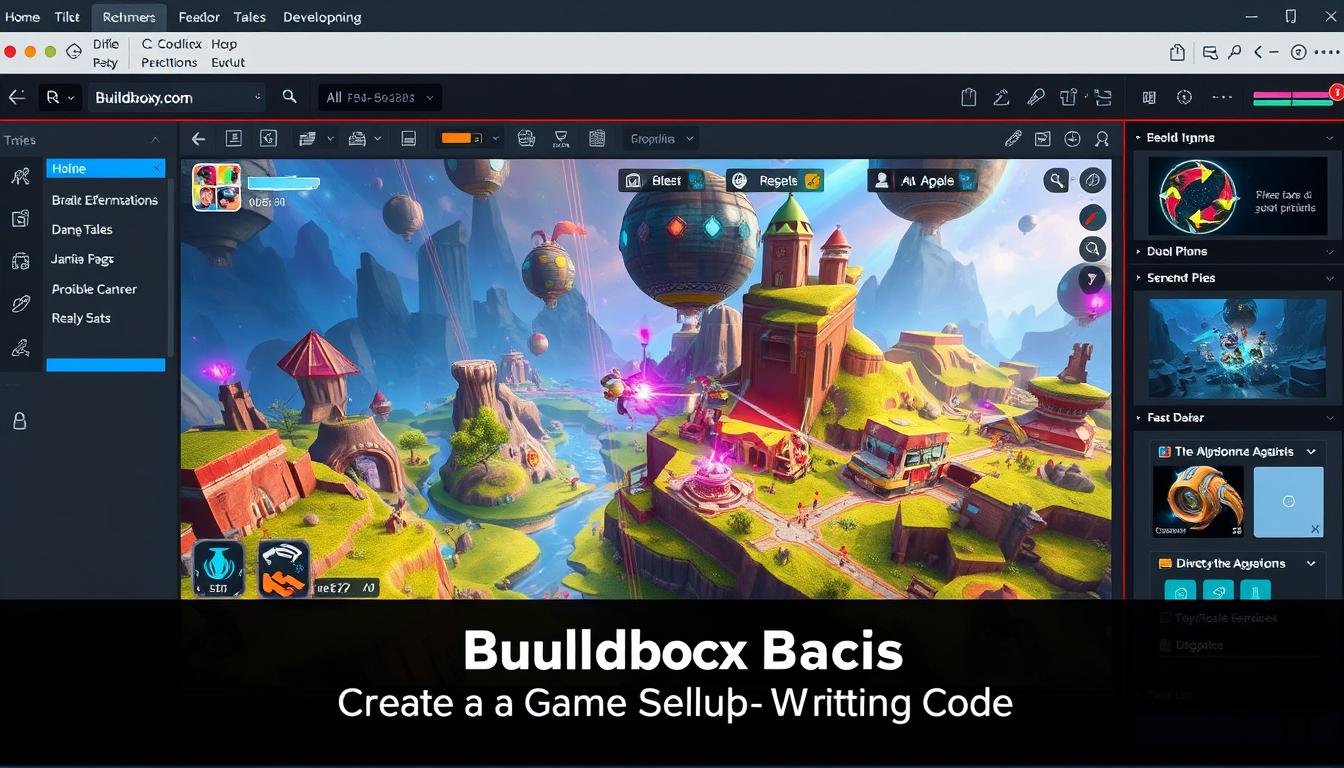
Welcome to your complete guide for bringing competitive excitement to your creations. Modern gaming thrives on social interaction and friendly rivalry. A well-designed leaderboard transforms casual play into engaging experiences that keep players returning.
This feature creates achievement and community among your users. You don’t need programming skills to add this powerful tool. Our guide shows you how to implement professional features without technical complexity.
We’ll explore various platforms and visual generators that update scores in real-time. The right solution significantly boosts player engagement and session duration. You’ll learn step-by-step methods suitable for indie developers and hobbyists.
Even beginners can successfully add competitive dynamics to their projects. Let’s dive into making your game more interactive and rewarding for everyone.
Key Takeaways
- Leaderboards turn casual games into competitive experiences that improve player retention
- You can add professional features without any coding knowledge
- Real-time score updates keep players engaged longer
- Various tools exist specifically for no-code game development
- Proper implementation creates a sense of community among players
- Even complete beginners can successfully add this feature
- Competitive elements significantly increase session times and replay value
Understanding Leaderboards and Their Benefits
What transforms a simple score list into a compelling competitive experience? The answer lies in understanding both the structure and psychology behind effective ranking systems.
What is a Leaderboard?
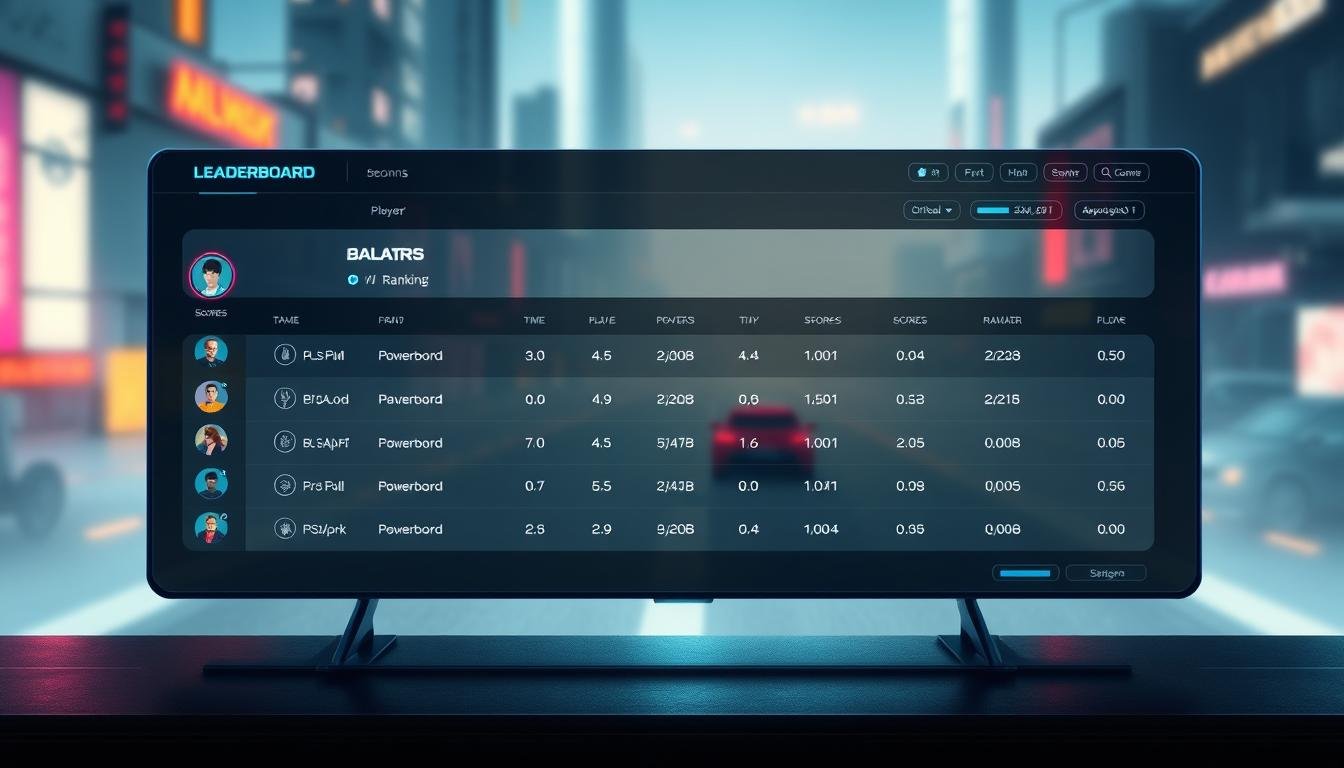
A leaderboard organizes participants by their performance in any competitive activity. It displays names alongside scores or points in clear ranking order.
This visual tool works across gaming, fitness challenges, and educational platforms. Participants see exactly where they stand compared to others. The structure immediately communicates achievement levels through organized ranks.
Boosting Engagement and Motivation
Public rankings create natural competition that keeps users returning. Seeing real-time results motivates people to improve their position.
The visual progress representation taps into powerful psychological drivers. Social comparison and achievement recognition emerge when rankings are visible. This competitive atmosphere encourages better performance from all participants.
Top performers gain acknowledgment for their efforts. This recognition creates aspirational goals for others. The system gives users ongoing reasons to engage and improve their results.
Key Features of Online Leaderboard Generators
Today’s creation tools offer sophisticated capabilities accessible to all skill levels. These platforms provide everything needed to build professional competitive displays.
You can achieve impressive results without technical expertise. The right solution makes the process straightforward and enjoyable.
Templates, Customization, and Widgets
Pre-built templates give you a head start on design. These preset layouts work for various game styles and themes.
Customization options let you match your game’s visual identity. You can adjust colors, fonts, and layouts to create perfect harmony.
The widget functionality allows direct embedding into your project. Dynamic updates keep information current without manual work.
Additional fields display more than just scores and names. Achievements, custom metrics, and special recognition appear alongside player data.
Different score types accommodate various game mechanics. Whole numbers, decimals, and time-based results all display correctly.
Integration with Data Sources
Automatic connections to data sources streamline updates. Google Sheets, CSV files, and spreadsheets feed information directly to your display.
This automation pulls names, scores, and other fields seamlessly. Your competitive ranking stays current with minimal effort.
Responsive design ensures proper viewing on all devices. Special presentation options like podium styles highlight top performers effectively.
Implementing No-code leaderboard integration for Your Game
Ready to bring your competitive game elements to life without technical hurdles? The implementation phase transforms your vision into a working system that players will love.
Start by evaluating your specific requirements. Consider whether you need real-time updates or periodic refreshes. Think about your player volume and scoring complexity.
Choosing the Right No-Code Tools
Platforms like DynaPictures offer smooth connections with popular automation tools. You can create personalized ranking systems through Zapier, Integrately, or similar services.
These solutions allow you to connect various applications without writing a single line of code. The flexibility means you can adapt as your game evolves.
Five primary methods exist for implementation: visual builders, URL parameters, spreadsheets, online forms, or API connections. Each approach suits different use cases and technical comfort levels.
Match the tool’s capabilities to your game’s platform compatibility. Web-based games, mobile apps, and cross-platform projects all have specific requirements.
The right choice balances ease of use with sufficient customization options. Your selection should support both your current needs and future growth.
Step-by-Step Guide to Setting Up Your Leaderboard
The setup process for your player ranking display follows a logical progression that anyone can master. Each step builds upon the previous one to create a seamless experience.
Begin by creating an account on your chosen platform. This initial step gives you access to all the tools needed for your project.
Connecting Spreadsheets and CSV Files
Your data source connection is the foundation of your ranking system. Google Sheets and CSV files work perfectly for this purpose.
Format your spreadsheet with clear columns for player names, scores, and time stamps. The platform will automatically map these fields to your display.
Uploading your files takes just minutes. The system recognizes your column headers and organizes everything correctly.
Editing and Customizing Your Leaderboard
Customization options let you match your game’s visual style perfectly. Adjust colors, fonts, and layouts to create harmony.
Add your logo and background images for brand consistency. The auto-resize feature ensures proper display on all devices.
Test different configurations to find what works best. This final step completes your professional ranking system.
Building a Real-Time Leaderboard with FlutterFlow
Creating instantly updating score displays requires a robust backend system that FlutterFlow simplifies through Firebase integration. This powerful platform enables dynamic competitive features that respond immediately to player achievements.
Setting Up Firebase Firestore
Begin by accessing your Firebase console to create a new database. This will serve as the foundation for your real-time data storage.
Define a clear structure for your leaderboard collection. Each document should contain essential fields like username, score, and timestamp. Proper organization ensures efficient query operations later.
Configure your database settings to allow appropriate read and write permissions. Security rules protect your data while enabling real-time updates across your app.
Designing the UI for Dynamic Updates
Connect FlutterFlow to your Firebase project through the platform settings. Import the configuration files containing necessary API keys and connection details.
Set up a real-time query to fetch data from your database collection. Order entries by score to display proper rankings. The system automatically listens for changes.
Design UI components that respond to database updates instantly. Your display will refresh without manual intervention, creating a seamless player experience.
Embedding and Customizing Your Leaderboard Widget
The final step in bringing your competitive display to life involves embedding the visual component. This process connects your backend data with a frontend presentation that players can interact with directly.
Adding the ranking widget to your site requires just one simple line of code. Copy the snippet from your chosen platform and paste it into your website’s HTML. The widget will load automatically, displaying current scores and player names.
Customization options let you match your site’s visual identity perfectly. Adjust colors, fonts, and layout to create a seamless user experience. You can add custom fields for achievements or special metrics beyond basic scores.
Responsive Design and Mobile Optimization
Modern ranking widgets automatically adapt to different screen sizes. Your display will look great on both desktop and mobile devices. This ensures all users have an optimal viewing experience.
The widget supports various score types including whole numbers and decimals. You can highlight top ranks with podium-style displays. Custom images for each participant add personal touches that enhance engagement.
Any data changes update instantly across your site or app. This automatic synchronization keeps information current without manual intervention. Strategic placement within your interface maximizes visibility while maintaining good design principles.
Enhancing Game Experience with Leaderboards
Transformative gaming moments often occur when players discover where they stand in relation to their peers. This psychological shift turns solitary play into shared competitive experiences that drive deeper engagement.
Increasing Competition and Player Engagement
Seeing real-time rankings creates immediate motivation for improvement. Players naturally want to climb higher when they can track their progress against others.
This transparent comparison system taps into fundamental competitive instincts. Users return frequently to check their position and defend their standing.
Special events with limited-time challenges create urgency spikes. These focused competition periods bring lapsed players back to your games.
The social dynamics fostered by ranking systems build community connections. Friendly rivalries and shared experiences enhance long-term commitment.
Different game types benefit from tailored ranking structures. Endless runners need high score tracking while timed challenges focus on speed results.
Properly implemented ranking systems create natural retention loops. Players continually strive for better performance and higher positions.
Leveraging No-Code Tools for Superior Leaderboard Performance
When your game’s competitive features need to scale beyond basic functionality, advanced tools provide the power for superior performance. These solutions offer deeper customization and automation capabilities for technically-inclined creators.
Automation Through APIs and Custom Scripts
API-first platforms like DynaPictures enable complete programmatic control. Developers can use REST API via Java, PHP, Python, or JavaScript for automated generation.
This approach connects directly to your game database for real-time updates. The system triggers automatic visual content creation based on player achievements.
You have five primary implementation methods available. These include URL parameters, spreadsheet connections, online forms, and direct API calls.
Comparative Insights on Leading Platforms
Different tools handle various ranking types with distinct capabilities. Some excel at simple static displays while others manage complex real-time systems.
Consider update frequency and data handling capacity when selecting your source. The right choice balances ease of use with technical power for optimal results.
Proper platform selection ensures efficient creation without unnecessary complexity. Your competitive features will deliver excellent performance that grows with your player base.
Wrapping Up Your Leaderboard Journey
Your exploration of ranking systems has equipped you with powerful tools for game enhancement. You’ve discovered that adding competitive displays represents a great way to boost player engagement significantly.
Whether you choose simple widget embedding or sophisticated real-time solutions, the right way forward depends on your specific needs. These features transform individual play into social experiences that keep players returning.
Even starting with a basic display for a single event can yield impressive results. As you grow more comfortable, you can expand your competitive features.
Remember that ranking systems build community and create meaningful goals beyond game completion. The time investment pays dividends in player retention and overall success.
Experiment with different styles and approaches to find your perfect solution. Your games will become more engaging and rewarding for everyone involved.