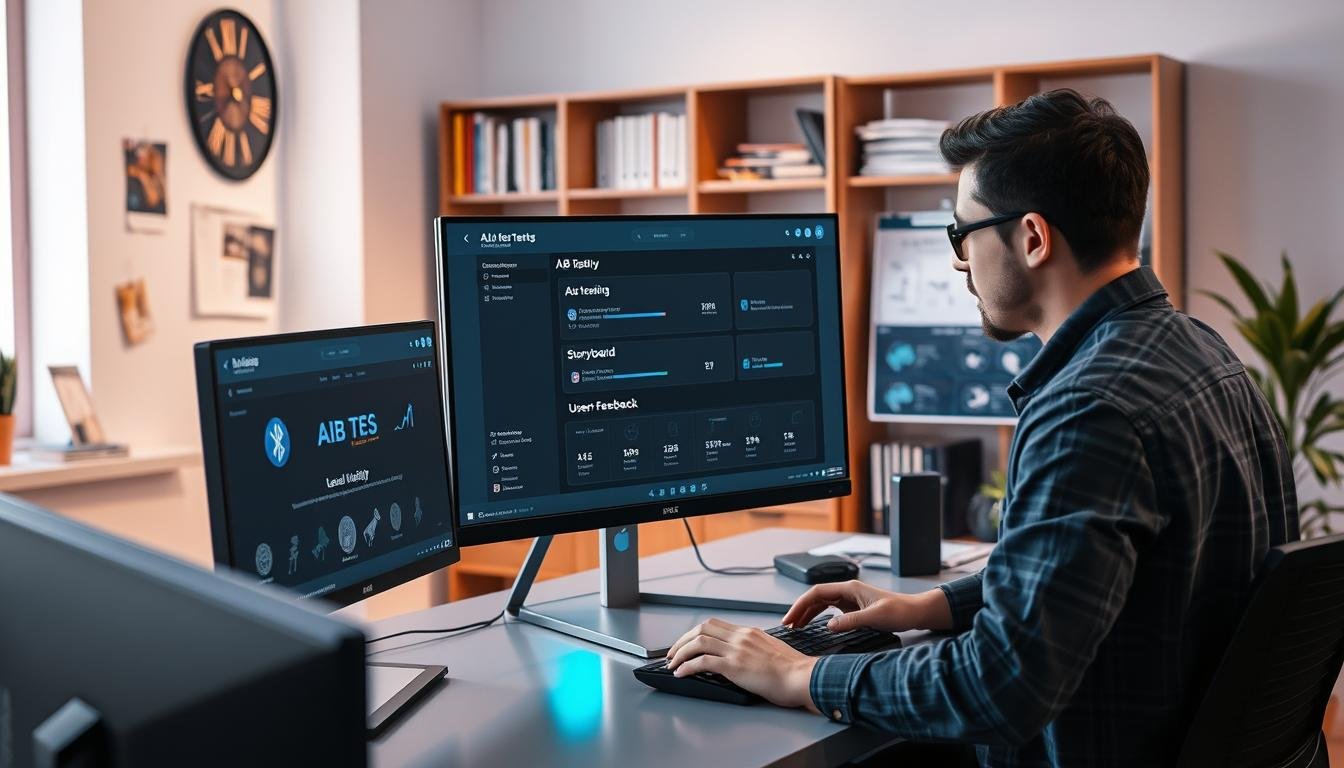
Welcome to a practical guide on optimizing your game’s challenge without complex programming. We will explore how visual scripting tools empower creators to refine player experience.
This method allows you to test different variables on user groups simultaneously. You can discover which settings most impact retention and enjoyment.
Our walkthrough covers the entire process from setup to analysis. You will learn to make data-driven choices that enhance your project’s balancing mechanics. This approach is designed for developers of all skill levels.
By the end, you will have actionable information to create experiments. These tests will help you build a more engaging difficulty curve and improve player satisfaction.
Key Takeaways
- Learn to implement player experience tests without writing code.
- Understand how to run experiments on different audience segments in parallel.
- Gain insights into which game parameters affect retention and monetization.
- Follow a step-by-step process for setting up and analyzing your tests.
- Discover how to use data to make informed decisions about level design.
- Access methods suitable for indie developers and seasoned creators alike.
Introduction to No-Code A/B Testing Unity
The landscape of interactive creation is being reshaped by tools that put powerful development capabilities into the hands of all creators. This approach opens up sophisticated game building to artists, designers, and hobbyists who may not have a programming background.
Intuitive visual scripting interfaces allow users to bring their ideas to life. They can focus on design and creativity instead of complex syntax.
Overview of No-Code Game Development
This method relies on connecting logical blocks visually to create behaviors and mechanics. It streamlines the entire workflow from prototyping to final product.
A key advantage is the ability to integrate with various services effortlessly. This fosters better collaboration and enables rapid iteration on your project.
A/B Testing and Its Importance in Game Design
A/B testing is a powerful methodology for optimizing design decisions. It lets you compare two versions of an element with different user groups at the same time.
You can run these tests on variables like level difficulty or reward systems. The goal is to see which version improves key metrics like player retention.
Using a code-free approach for a/b tests removes technical barriers. This allows anyone to set up professional-grade experiments and make data-driven choices for their game.
Setting Up Your Unity Environment for A/B Testing
Getting your development workspace ready is the foundation for effective player experience experiments. Unity Gaming Services offers a complete toolkit designed specifically for this purpose.
The right configuration ensures all components work together seamlessly. This creates a robust system for gathering meaningful insights.
Installing Essential Unity Packages
Begin by adding several crucial packages to your project. The Analytics package tracks player interactions and retention metrics.
Authentication handles player identities automatically. It signs users in anonymously to maintain session data.
Remote Config provides dynamic settings management. Game Overrides works with it to assign players to different groups.
Cloud Code stores server-side logic for progression systems. Cloud Save ensures persistent data storage across sessions.
Configuring Unity Dashboard and Services
Navigate to the Services page in your Unity dashboard. Activate each service for your organization and project.
The Deployment package accelerates setup significantly. It lets you deploy multiple assets simultaneously.
Configure your Remote Config values through the dashboard window. Set up custom Analytics events for specific player actions.
This configuration creates a powerful foundation for experimentation. All services communicate to track behavior and serve test variants effectively.
Implementing No-Code A/B Testing Unity in Your Project
Now it’s time to put the pieces together and build your experiment. This phase connects the services you configured to create a live testing environment.
You will define the rules and let the system manage the rest. This approach ensures a smooth experience for every participant.
Integrating Remote Config and Game Overrides
The core of your setup is the combination of Remote Config and Game Overrides. These tools deliver different settings to various player segments.
Start by defining key values in your project dashboard. Create parameters for the test group, experiment ID, and level-up requirements.
Next, build a Game Override named “Level Difficulty A/B Test”. Target your entire audience and create five distinct variants.
Each variant assigns players to a specific group with a unique XP threshold. The system automatically serves the correct config values to each user.
Utilizing Cloud Code and Cloud Save for Data Handling
For reliable results, you need secure data management. Cloud Code runs critical logic on the server.
Publish a script like “GainXPAndLevelIfReady”. This script safely increases a player’s experience points.
It also checks if they meet the level-up requirement for their test group. This prevents any client-side tampering with your experiment’s data.
Cloud Save works with Cloud Code to store progress. It ensures that all player information persists correctly between game sessions.
This creates a robust framework for gathering clean, trustworthy analytics. You can confidently analyze which difficulty curve performs best.
Collecting and Analyzing Data for Level Difficulty
Gathering meaningful information is the next critical step in your experiment. Quality analytics provide the foundation for understanding how different difficulty settings affect your audience.
You need specific events to capture the right player behaviors. These custom events track everything from scene entry to button interactions.
Setting Up Custom Analytics Events
Create three essential events in your dashboard. SceneOpened fires when players enter your level.
ActionButtonPressed records every button click with detailed context. SceneSessionLength measures how long each player stays engaged.
The real power comes from custom parameters. These additional details let you slice data by test group, scene name, and time ranges.
Tracking Player Progress and Session Length
Watch how different groups interact with your game. The buttonNameByABGroup parameter shows which players click specific buttons most often.
TimeRangeByABGroup reveals engagement patterns across difficulty levels. You might discover that easier settings keep players engaged longer.
This detailed tracking builds a comprehensive picture of player behavior. You’ll see exactly how each test variant affects progression and retention.
Optimizing Level Difficulty Based on Test Results
The analysis stage transforms raw data into actionable insights that can significantly enhance your game’s difficulty balancing. This process turns numbers into meaningful improvements for player experience.
Interpreting Metrics and Adjusting Parameters
When your experiment gathers enough data, examine which difficulty variant performs best. Look at key metrics like player retention and session length across different groups.
Statistical significance is crucial before making any changes. Wait until patterns are clear across a substantial player population to avoid misleading results.
Once you identify a winning variant, update your default Remote Config values. This approach requires no app updates and reaches all players instantly.
Remember that a/b testing is an iterative process. Your first test might reveal new questions about pacing or reward systems for future experiments.
Enhancing User Experience with Automated Integrations
Taking your workflow to the next level involves connecting your development tools with powerful automation platforms. These services bridge gaps between applications, saving you significant time and effort.
This approach lets you focus on creative content instead of manual tasks. The result is a smoother process for both developers and end users.
Leveraging Third-Party Services for Improved Workflow
While built-in tools are robust, third-party integrations add incredible power. Platforms like ApiX-Drive create seamless connections between your project and other applications.
You can use these services to automate reporting. For example, test results can sync to a spreadsheet page automatically.
This gives your entire team real-time access to data. Non-technical members can see analytics without complex dashboards.
Automation is a huge time-saver during runtime. It handles tasks like sending alerts when an experiment concludes.
You can even set up workflows to implement winning variants automatically. This means less manual work and faster iterations for your game.
Integrations also improve the user experience directly. They can connect your project to advanced authentication or support systems effortlessly.
Conclusion
The journey toward creating perfectly balanced games has never been more accessible to creators of all backgrounds. This approach puts sophisticated optimization techniques within reach of every developer.
You now understand how to set up experiments, track player behavior, and interpret results to refine your project. The data you gather provides invaluable insights into what keeps your audience engaged.
Remember that improvement is an ongoing process. Each test reveals new opportunities to enhance the player experience and boost retention rates.
By embracing these methods, you join a growing community of developers who make informed decisions. Your games will resonate more strongly with players as you continue to learn and adapt.