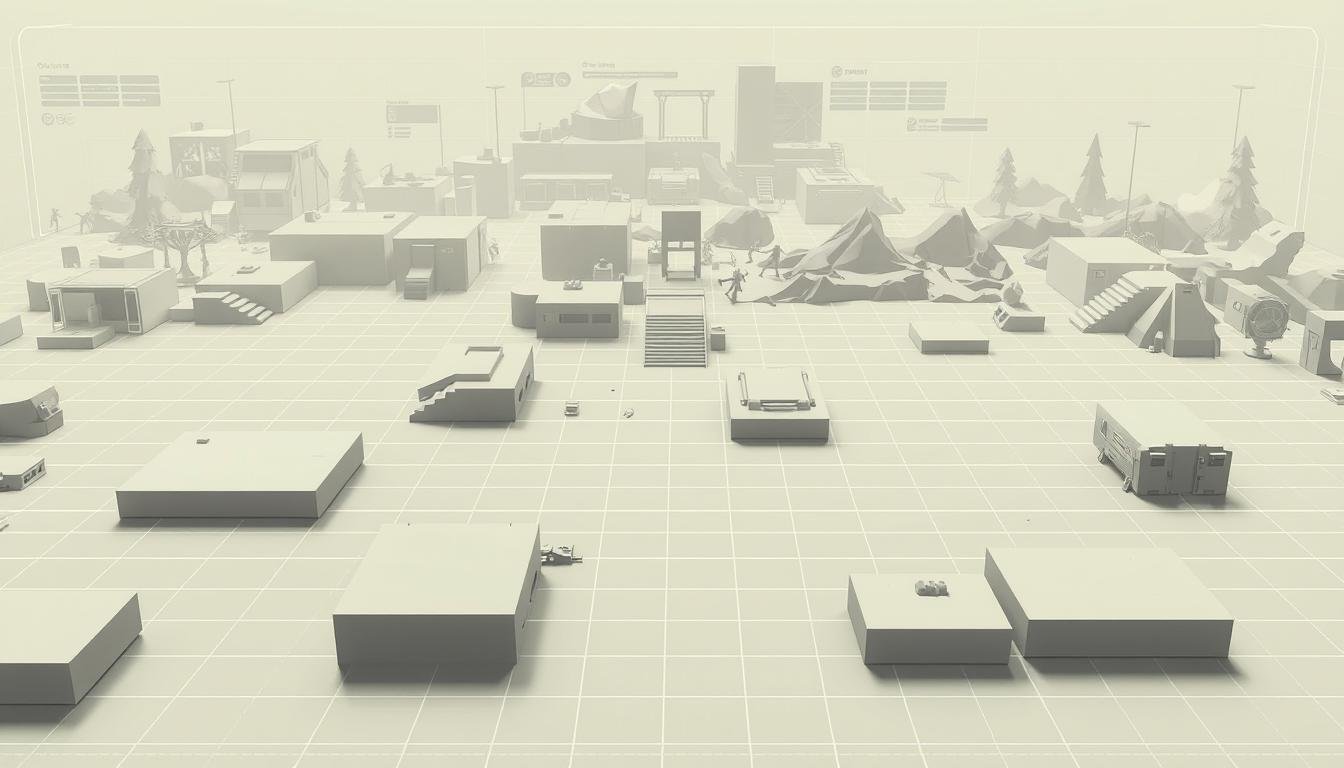
Have you ever had a brilliant game idea but felt stuck starting from a blank slate? Pre-built structures for environments are powerful tools that solve this problem. They help creators move from a simple concept to a playable prototype in the shortest amount of time possible.
These resources streamline the entire creation process. They provide ready-made frameworks, allowing you to focus on creativity rather than technical setup. This eliminates many tedious and repetitive tasks.
Whether you’re crafting a first-person shooter or an action-adventure experience, having the right starting point is crucial. A good foundation can dramatically reduce development time. Modern game creation relies on efficient workflows for success.
This guide will walk you through understanding and using these pre-built structures. You will learn how to accelerate your prototyping workflow effectively. It’s not just about saving hours; it’s about establishing consistency and enabling rapid iteration.
You will discover practical, actionable strategies used by industry professionals. The goal is to help you build interactive worlds faster and more effectively. Let’s begin the journey toward a smoother creative process.
Key Takeaways
- Pre-built structures help transform a game idea into a prototype quickly.
- They streamline the creation process by handling repetitive setup tasks.
- Using these tools allows creators to focus more on creative aspects.
- They are valuable across many genres, from shooters to adventure games.
- Efficient workflows are essential for modern game development.
- These resources help maintain quality and enable fast iteration.
- This guide provides professional strategies to build worlds more effectively.
Understanding the Role of Templates in Game Level Design
The layout of a game’s space is far more than decoration; it’s the stage where gameplay comes alive. This specialized field focuses on how players move, think, and feel within a virtual world.
Defining Level Design and Its Impact on Gameplay
This discipline is a crucial part of game creation. It builds the interactive playgrounds where the action happens. The focus is on mechanics, movement, and challenge-reward balance.
Spatial problem-solving is key. A creator asks if a player can flank an enemy or if platforms are spaced correctly. The goal is to ensure players use mechanics in exciting ways.
Benefits of a Structured Design Document
A well-organized document acts as a blueprint for the entire creation process. It helps conceptualize ideas and map the player’s journey from start to finish.
This documentation provides a vital reference point for the whole team. It captures the original vision while allowing for improvements based on feedback. Good notes include concept descriptions, challenge layouts, and visual references.
This structure bridges communication between all team members. It ensures everyone understands the goals for the player’s experience.
level design templates: Accelerate Your Prototyping Process
Professional creators have discovered a powerful secret: eliminating the startup friction that separates great ideas from playable prototypes. These pre-built frameworks transform how you approach new projects.
Instead of facing an empty workspace, you begin with organized foundations. This immediate starting point keeps creative energy flowing.
Streamlining Your Workflow with Ready-Made Blueprints
Setting up folder structures and scene configurations consumes valuable hours. These repetitive tasks drain enthusiasm before real work begins.
Ready-made blueprints handle all the technical groundwork automatically. You get properly scaled environments with essential assets already imported. This lets you focus on gameplay experimentation from day one.
Many professionals maintain extensive collections for different project types. Some creators have eleven or more specialized starting points ready for immediate use.
Saving Time in the Creative Process
The time savings accumulate significantly across multiple projects. What starts as minutes saved per session becomes days or weeks over a full development cycle.
These resources evolve continuously as you refine your approach. Each new project contributes improvements back into your library.
Teams benefit greatly from consistent starting standards. Everyone works from the same quality baseline, ensuring cohesive results across different scenes.
Step-by-Step Guide to Creating a Level Design Template
Every memorable game environment starts with a simple but powerful foundational theme. This initial concept serves as your North Star throughout the entire creation process.
Conceptualizing the Level Idea and Setting the Scene
Begin by filling out the concept section in your design document. Ask yourself what makes this space unique. Is it an underwater cavern with predatory sea life? A haunted forest at midnight?
Articulating this core idea clearly guides every decision that follows. It establishes the mood, challenges, and visual style. This foundational step prevents aimless development.
Mapping and Defining the Player’s Journey
Next, sketch a basic top-down map. Don’t aim for perfection—just outline key landmarks and the spatial flow. Think about interesting items or structures that could exist.
Define the player’s path from start to finish. Where do they begin, and what is the ultimate goal? Map the ideal route you want them to experience.
Introduce challenges like puzzles, enemies, or locked doors. Balance difficulty with satisfying rewards. Use teasing techniques to show goals early, giving players clear direction.
This repeatable process ensures consistency across all your work. Documenting these elements creates a valuable reference for team feedback and clarity.
Incorporating Visual References and Detailed Documentation
Once your level’s basic structure is mapped out, the next critical phase involves bringing its visual identity to life through careful documentation. This step transforms abstract ideas into a shared vision that your entire team can understand and build upon.
Utilizing Moodboards, Images, and Top-Down Maps
Start by gathering visual references. Use moodboards, Google Images, or Pinterest to find pictures that capture your desired atmosphere. These images make your vision concrete for everyone.
Your core documentation should include several key items. Create a clean 2D map to show the layout and key gameplay moments. It doesn’t need to be a masterpiece, just clear and effective.
Also, include blockout screenshots using simple shapes. This helps the team focus on space and gameplay before fancy graphics. Add inspiration materials and final playthrough videos to round out your document.
Collecting Iterative Feedback from Your Team
When you have a solid first version, share it with your team. This is the time for collaborative refinement. Ask for their input on both creative and technical aspects.
This feedback loop is crucial for spotting issues early. It allows programmers and artists to ask questions and ensure everything will work together. This process keeps the entire team aligned and prevents costly changes later.
Thorough documentation acts as a central reference point. It ensures everyone is moving in the same direction throughout the entire game creation process.
Leveraging Industry Resources and Pre-Built Assets
Professional game creators often maintain a library of specialized files to kickstart their projects. This collection includes everything from correctly scaled base scenes to pre-configured lighting setups.
These resources save immense amounts of setup time. They let you focus on the creative vision from the very start.
Using Modular Environment Assets in Game Engines
Modular assets are fundamental building blocks. Think of walls, floors, and doors set to standard sizes.
You can import these pieces into any engine to block out spaces quickly. This creates a consistent feel across different parts of your game. It ensures players have a smooth experience navigating your worlds.
Integrating Standard Files and UE5 Tools for Accuracy
Human scale references are crucial. They help a designer build environments that feel right.
Unreal Engine 5 templates come with lighting and materials ready to go. This technical foundation means your initial ideas look polished immediately. It helps the entire team visualize the final product.
Enhancing Your Portfolio with Real-World Examples
Using these professional tools shows you understand industry workflows. It demonstrates you can be a productive part of a development team from day one.
Your portfolio becomes stronger with projects built on solid foundations. This proves your ability to create high-quality levels efficiently.
Final Insights & Next Steps for Fast Prototyping
Imagine being able to test your creative concepts almost immediately after thinking of them. This guide has shown how pre-built structures dramatically shorten the path from idea to playable prototype.
These resources are more than just time-savers—they establish consistency and maintain quality. They let creators focus on crafting engaging experiences for players rather than repetitive setup work.
Start building your own collection today with the assets you use most often. Expand it over time as you discover new needs. Review and improve your toolkit regularly with lessons from each project.
The initial effort pays off every single day. Each new project benefits from your accumulated knowledge. Mastering this approach demonstrates professional workflow understanding.
Identify your biggest workflow bottlenecks and create solutions for them. Test these on your next project and refine based on results. This investment gives you more time to iterate, gather feedback, and create better games.